Coming soon
Links that do as they’re told.
Short links you can change, route and lock. QR codes in your colours. Tracking that shows which link made the sale, and numbers that tell it like it is.
- Hosted in the EU
- No cookies on your links
- Every estimate labelled
Join the waitlist
Be first to know when ZapQi launches.
Everything your links need
And nothing they don’t.
Links that change their mind
Change where a link goes after it’s out in the world. Put it on your own domain, and gather your best links on a page of your own.
The right place for every visitor
Send people to different pages by country or device, split traffic to see what works, and preview every rule before it goes live.
See what your links earned
Campaigns that trace sign-ups and sales back to the link that brought them in. No tracking script on your site.
QR codes worth scanning
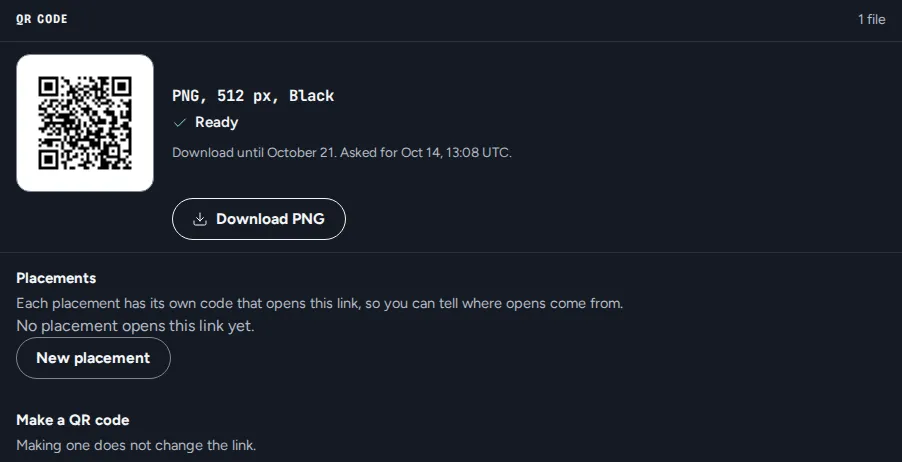
In your colours, with your logo, kept together in one library. Change where a printed code goes without printing it again.
You decide who gets through
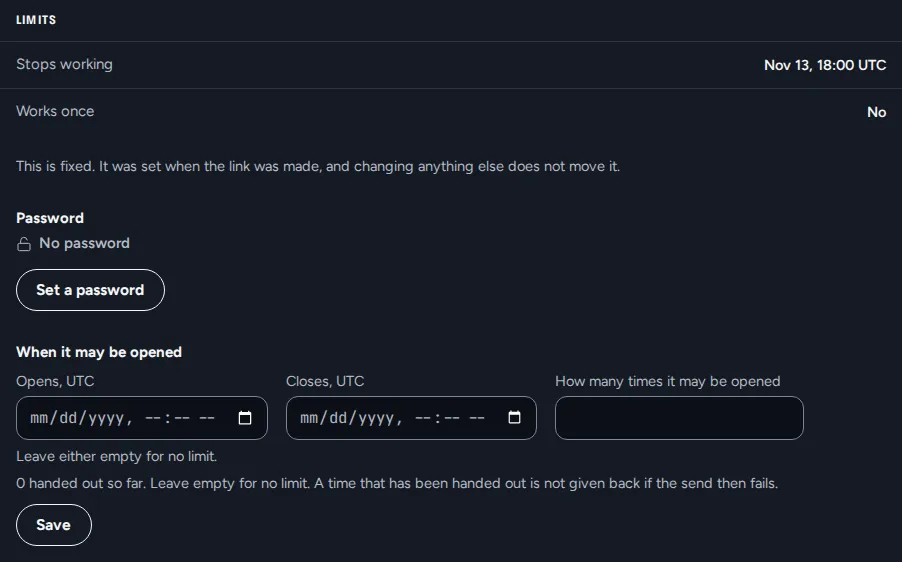
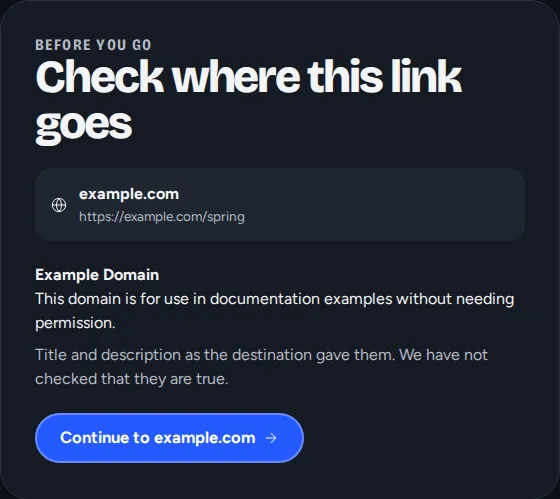
Passwords, end dates and links that work just once. Anyone can peek at where a link goes before they tap it.
Numbers you can trust
Clicks and people counted apart, and an estimate always called an estimate. Reports land in your inbox, and your data is yours to take.
Not your average link shortener
| An ordinary shortener | ZapQi |
|---|---|
| Set in stone once you share it | Change where it goes, any time |
| One destination for everyone | Route by country, device or split test |
| Clicks, and nothing about what they earned | Sign-ups and sales traced to the link |
| Every request counted as a click | People and clicks counted apart |
| Visitor tracking you didn’t ask for | No cookies on your links, hosted in the EU |
A look inside
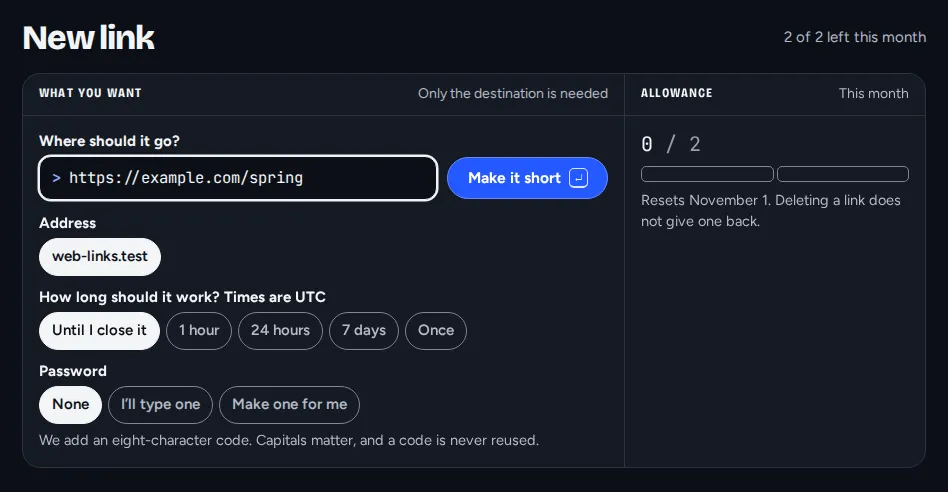
Real screens from ZapQi. The addresses are examples.
Be first through the door
Leave your name and email and we’ll tell you the day ZapQi opens. That’s it.